
1 Mac
—
Loading plan…
A customizable widget Dock for macOS.
Your essentials, together alongside the Apple Dock.
brew install --cask dockmagic/tap/dockmagicCopy the command, then paste it in Terminal.
Keep CPU and memory activity in your Dock. Open a Widget when you need a closer look.
Explore System Widgets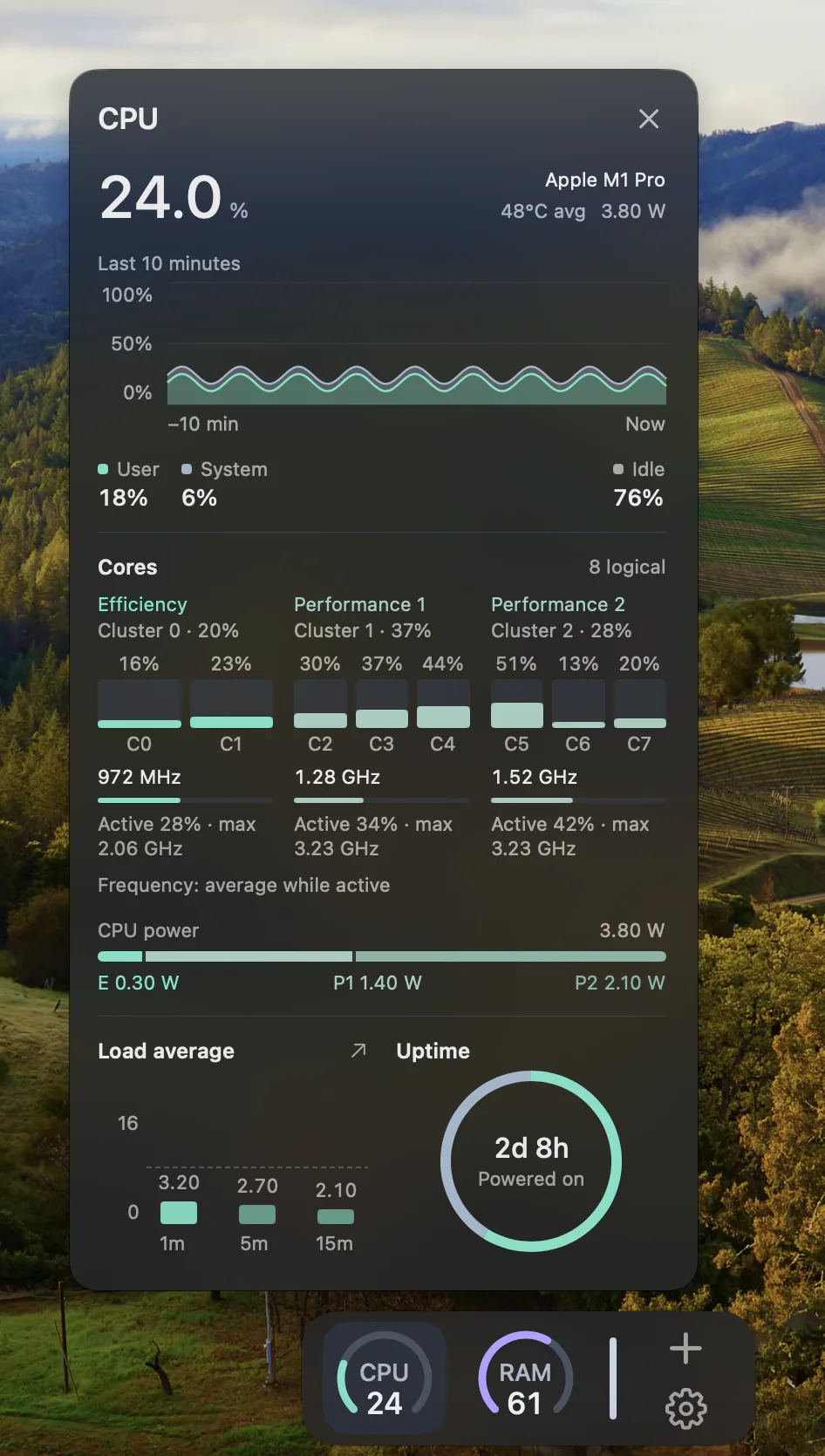
Choose left, right or bottom. At either side, your Dock hides when idle and returns when you reach the edge.
Choose how many Macs you want to use DockMagic on.
One Mac · Trial key by email
No. DockMagic is an independent widget Dock. It sits alongside the Apple Dock and can be placed at the bottom, left or right of your screen.
Download the disk image, open it and drag DockMagic into Applications. DockMagic requires macOS 14.0 or later.
Request a trial key by email for one Mac. The 7-day period starts when the email is successfully sent, even if you activate the key later. Each email address can receive one trial.
Choose a one-time license for 1, 2 or 3 Macs. Each plan includes access to all DockMagic features and lifetime updates. Current prices come from the Pricing section.
Yes. Pick the Widgets you want, arrange their order and add or remove them as your needs change. A Feature can offer several Widget styles.
With your permission, we use Google Analytics cookies to understand which pages and tools help you, and when you download a result, click Download, view Pricing or open checkout. Tool inputs and files are not included. You can change your choice at any time.
Google Analytics is off until you allow it.
Privacy policy