
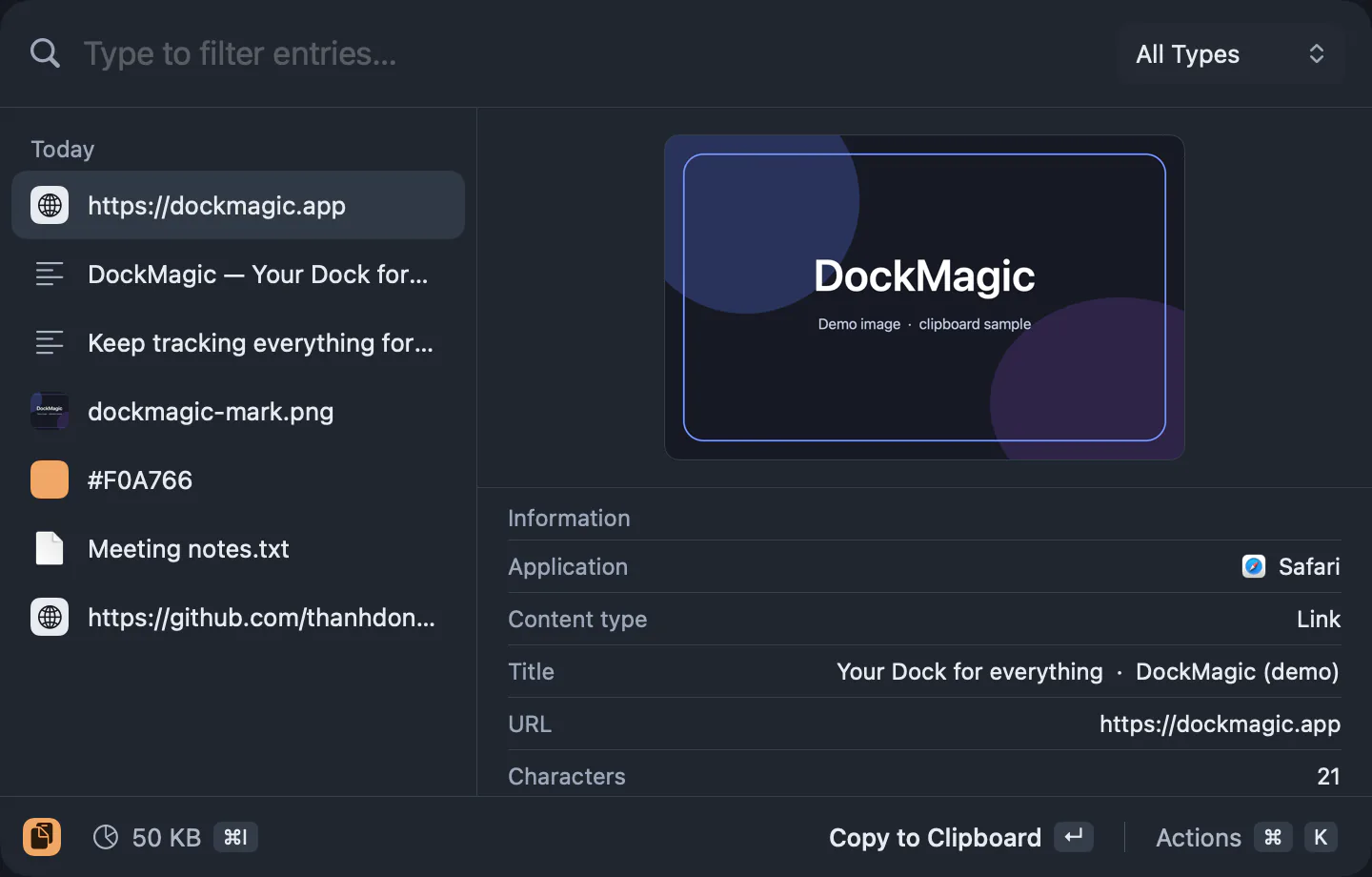
Text, links, images, files and colors.
The Clipboard widget keeps a history of everything you copy: plain text, rich text, URLs, images, file paths, and color values. Each type is stored separately so you can quickly find a link you copied an hour ago, or an image from yesterday, without scrolling through unrelated items.
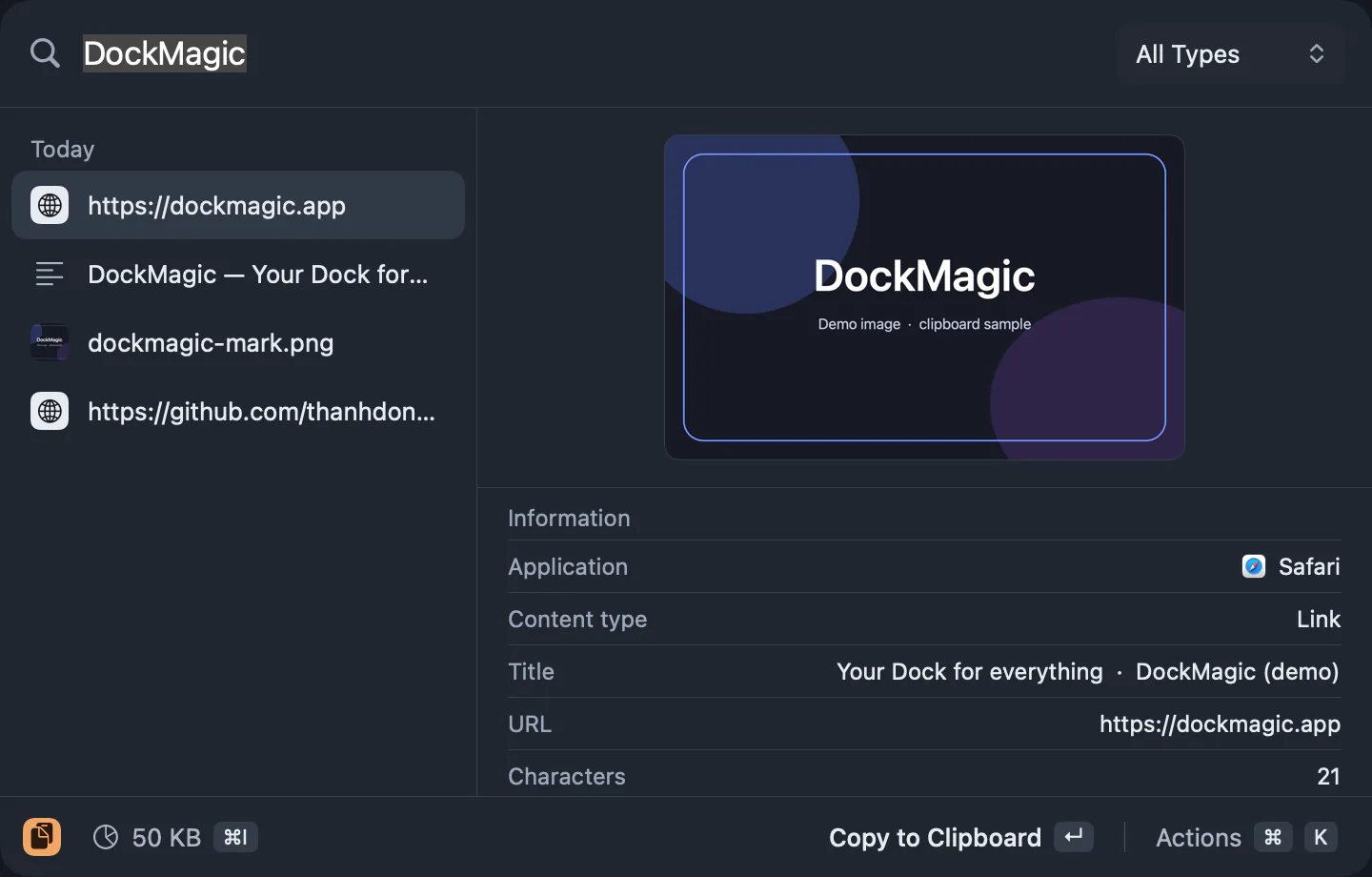
Search to find what you copied.
Open the Clipboard popup and type to search your history by content. Text and URLs are searchable by their visible content; images and files can be filtered by type. Search is instant and case-insensitive.
Copy it back with one click.
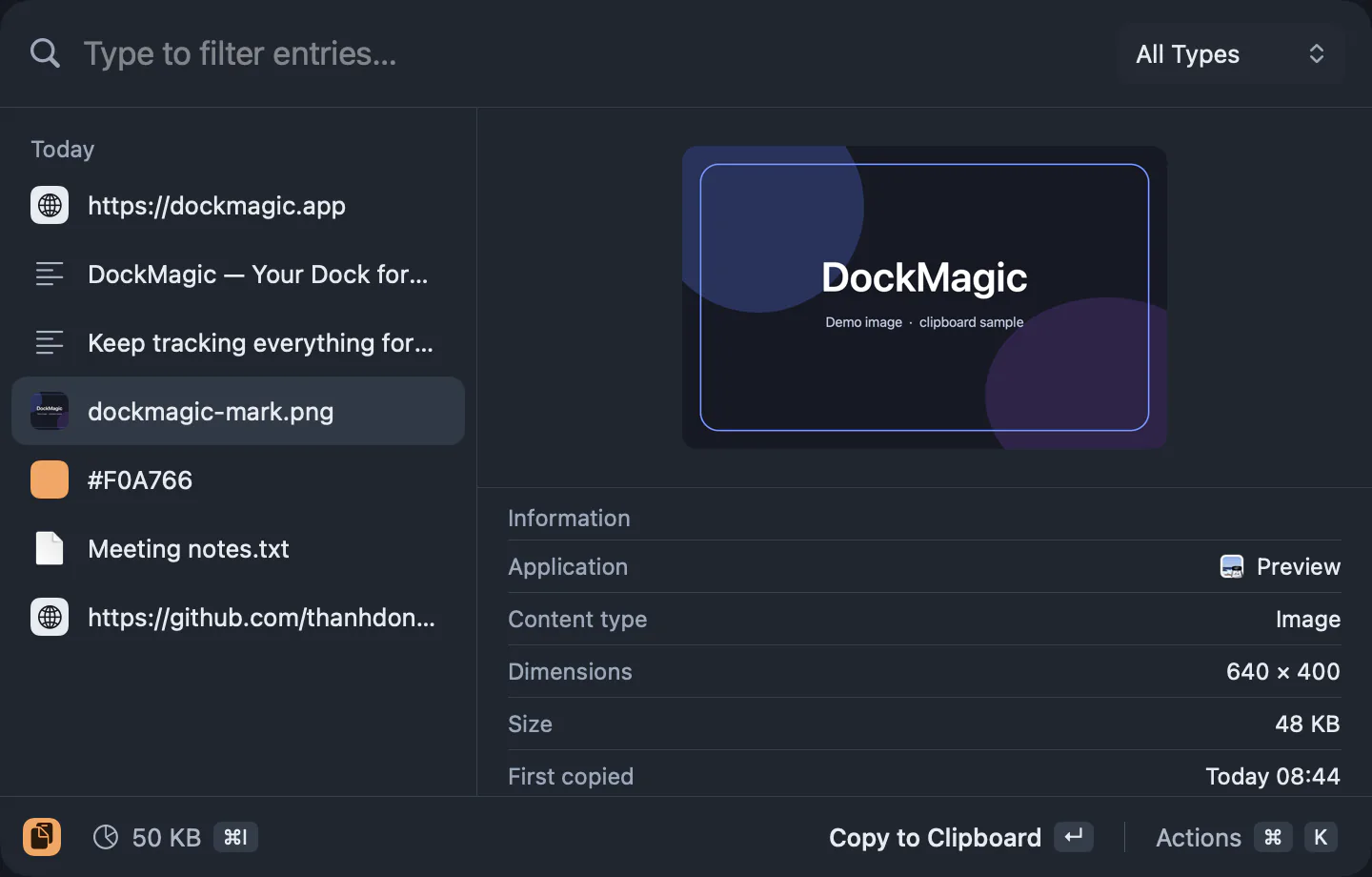
Click any item in the history to copy it back to the clipboard. Then paste (⌘V) into any app. The item moves to the top of the history so recent and frequently used items stay easy to reach.
Passwords and sensitive data are skipped.
DockMagic does not store items marked as passwords or temporary by password managers and system frameworks. This includes items with org.nspasteboard.ConcealedType, com.agilebits.onepassword, and similar markers. If you copy a password from 1Password or another password manager, it won't appear in the Clipboard history.
No auto-delete; 2 GB storage cap.
Clipboard history is not automatically deleted after a set number of days or items. Everything you copy stays in the history until you manually delete it or reach the 2 GB storage limit. When you approach the limit, DockMagic will prompt you to clear older items.
Stored locally, no sync.
Your clipboard history is saved on this Mac using SwiftData. Nothing is uploaded to a server, and clipboard data does not sync across Macs. If you use multiple Macs, each has its own independent history.
Questions
Can I pause clipboard tracking?
Yes. The Clipboard widget has a pause/resume control. When paused, new items are not added to the history. Existing history remains accessible.
Does it sync across Macs or to iCloud?
No. Clipboard history is stored locally and does not sync. Each Mac with DockMagic has its own history.
Can I pin items so they stay at the top?
The v1.3 spec mentioned pinning as a proposed feature under review. Check the current version's release notes or the widget's interface to see if pinning was included in the shipped version.
What happens when I hit the 2 GB limit?
DockMagic will notify you when you're approaching the limit and give you the option to clear older or larger items. The limit is fixed at 2 GB and cannot be increased.