
Is the site up?
A Website monitor Widget checks an HTTPS site from your Mac and shows availability and response-header time. It’s context while you work, not an external monitoring service. Read more about the Website monitor.
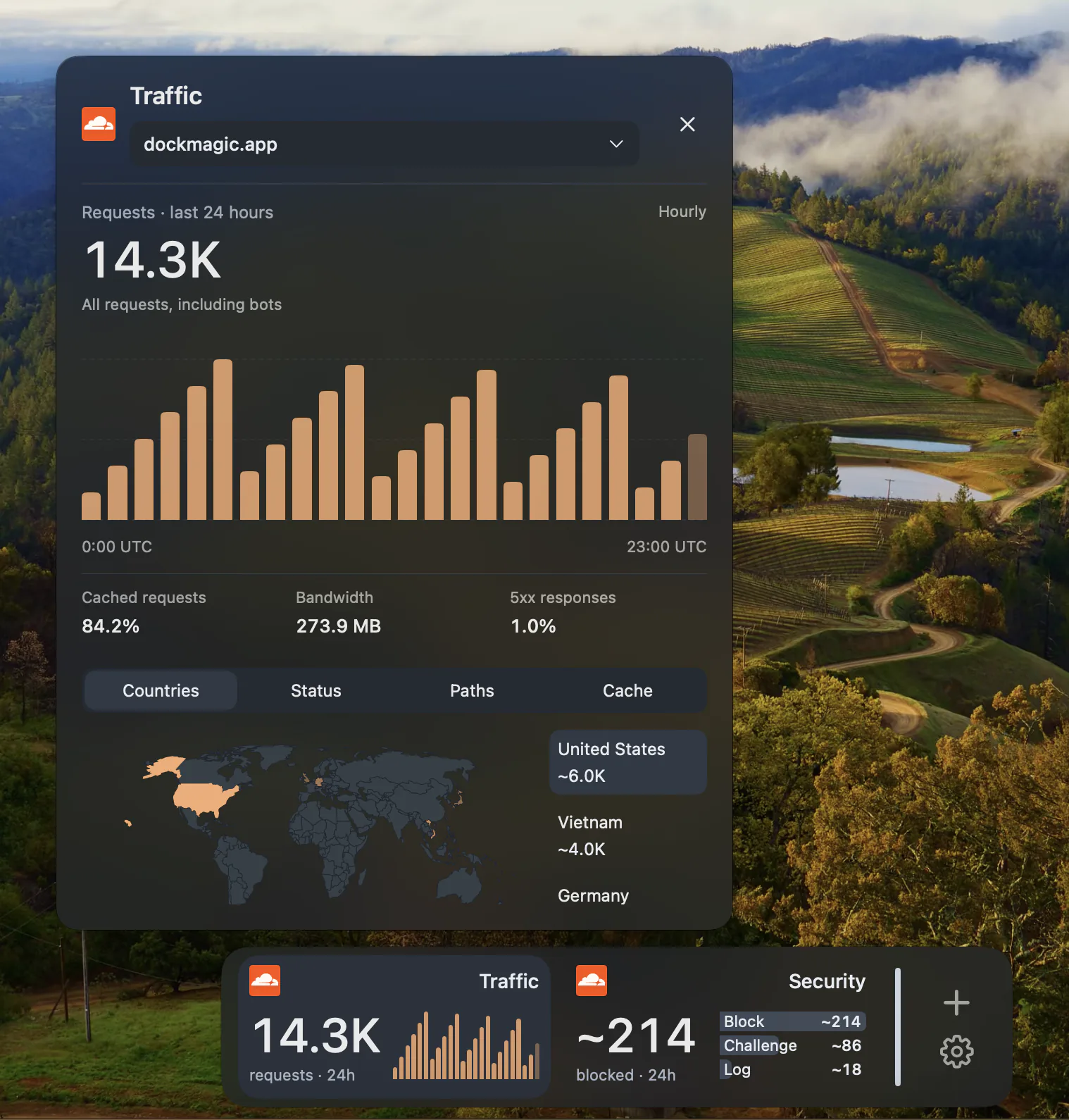
What’s hitting your domain?
Cloudflare Widgets show traffic, recent requests, trends and security activity for a zone. The connection reads analytics; it doesn’t change DNS, caching or firewall rules. Read more about Cloudflare Widgets.
Your calendar, without the tab.
View events from your Mac’s calendars and create one in a writable calendar. Read more about Calendar Widgets.
What it doesn’t do.
DockMagic isn’t an on-call or alerting service, and it doesn’t manage your accounts. It shows what you’d otherwise check by hand, in a Dock beside the Apple Dock. It’s a one-time purchase with a 7-day trial; current prices are in Pricing.
Questions
Does DockMagic watch my site while my Mac is asleep?
No. Checks run from your Mac while DockMagic is running. Use an external monitoring service for alerts, checks from several locations or round-the-clock coverage.
Can DockMagic change my Cloudflare settings?
No. The connection is read-only. Manage your zone in Cloudflare.
Is it a subscription?
No. It’s a one-time purchase for 1, 2 or 3 Macs. Current prices are in the Pricing section.