
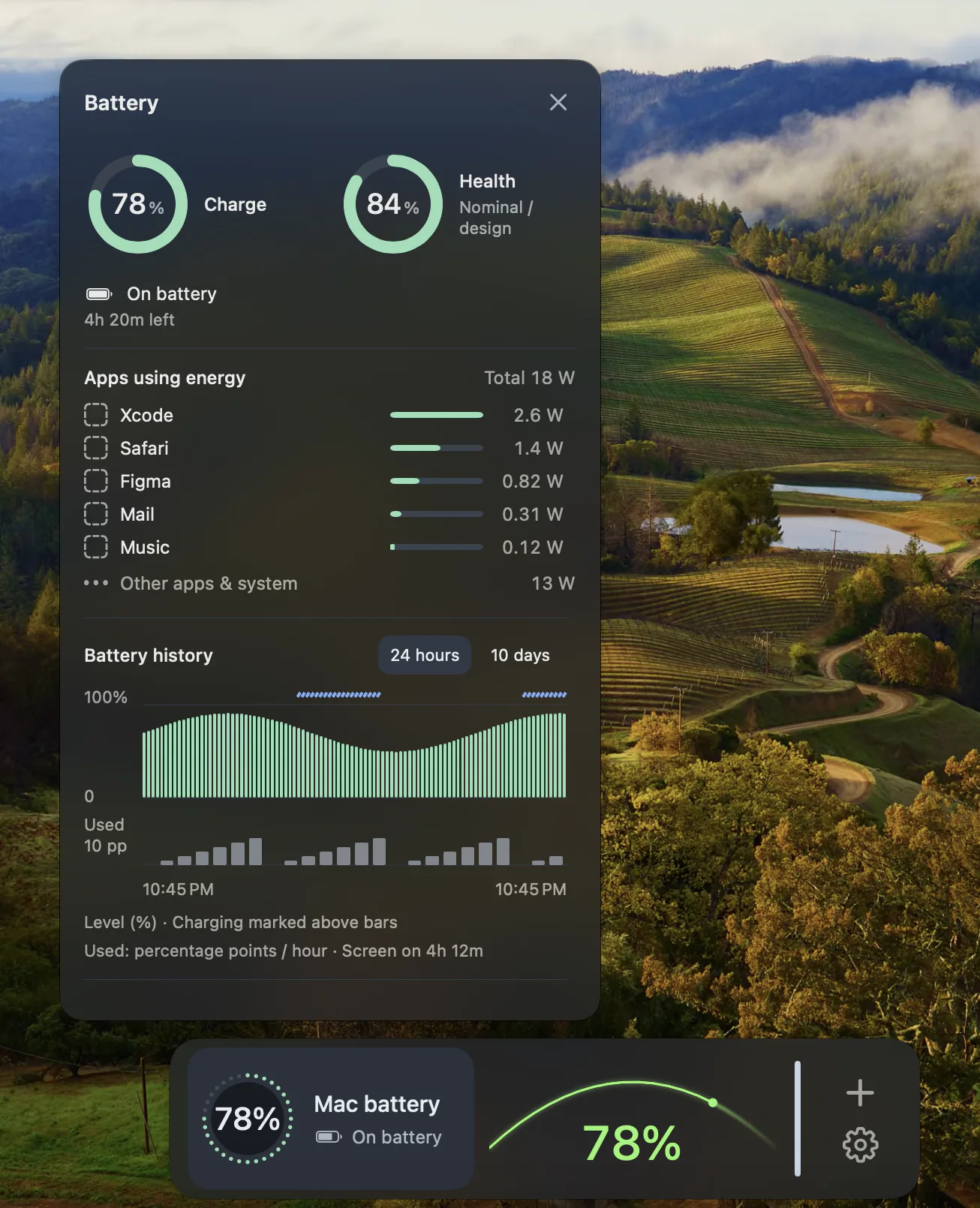
Charge, in a familiar place.
The Batteries Feature keeps information about the Mac’s internal battery in your Dock. A quick glance can help you notice whether you are on battery power or charging before moving away from your desk.
Pick a presentation.
Choose Charge Orbit, Charge Arc or Charge Bar from the catalog. These Widgets present battery information in different visual styles. Select the one that fits the space and the way you prefer to read a charge level.

Treat remaining time as an estimate.
Time estimates appear when the source makes them available. Workload and power conditions can change, so an estimate is not a promise of how long your Mac will keep running. Missing estimates should not be interpreted as zero remaining time.
Know which battery is being shown.
This Feature describes the Mac’s internal battery. It does not promise battery readings for every Bluetooth accessory or connected device. A desktop Mac without an internal battery will not have the same battery information as a MacBook.
Questions
Does this monitor my AirPods or mouse battery?
The Batteries Feature described here monitors the Mac’s internal battery. Accessory battery coverage is not promised.
Why might remaining time be unavailable?
DockMagic can show a time estimate only when the underlying source provides it. Charge and charging status are separate pieces of information.